Your guests aren’t reading the paper compendium on the nightstand anymore. You know it. You’ve seen it. Those leather-bound binders, updated once a year if you’re lucky, end up as phone stands or luggage props.
Yet the information inside remains valuable: breakfast hours, WiFi password, room service number, local recommendations. The problem isn’t the content. It’s the format.
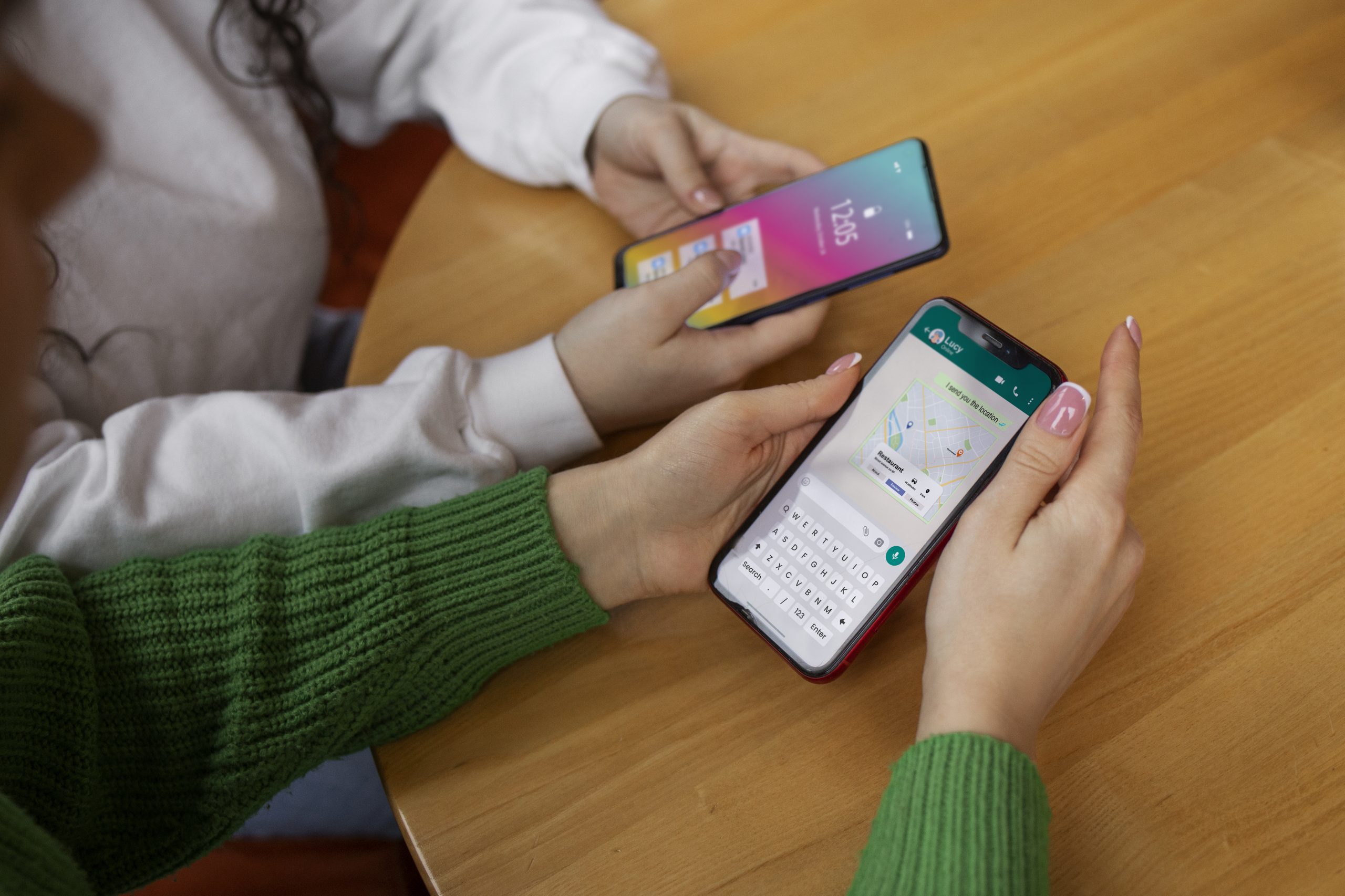
A digital guest directory addresses a simple reality: your guests have a smartphone in their hands at all times. Why not give them access to everything they need from the screen they’re already checking 150 times a day?
This guide is written for general managers and owners of 4 and 5-star properties, guest experience directors, and anyone looking to modernize their hotel without losing the human touch.
What exactly is a digital guest directory?
A digital guest directory—sometimes called a guest app, digital compendium, or room directory—replaces the traditional paper binder with a web-based application accessible from the guest’s smartphone. No app download required: a simple QR code scan or short URL does the trick.
The interface resembles a standard mobile app. Guests find all the practical information about your property: available services, hours, contacts, recommendations. But unlike paper, this digital version can include interactive features: ordering room service, booking a spa treatment, requesting extra towels, chatting with the front desk.
What sets a digital guest directory apart from a PDF
Let’s clear up a common misconception. Putting your paper directory as a PDF on an in-room tablet isn’t a digital guest directory. It’s a PDF on a tablet.
A true digital guest directory has several defining characteristics:
Interactivity — Guests can take action, not just read. Order, book, contact, review.
Real-time updates — You change something in the back office, it appears instantly on all guest screens. Restaurant closed unexpectedly on Tuesday? Thirty seconds to inform every guest.
Personalization — The interface adapts to the guest’s language automatically. Some solutions even display different content based on room type or guest profile.
Analytics — You know what guests are viewing, what they’re ordering, when they’re engaging. Valuable data to fine-tune your services.
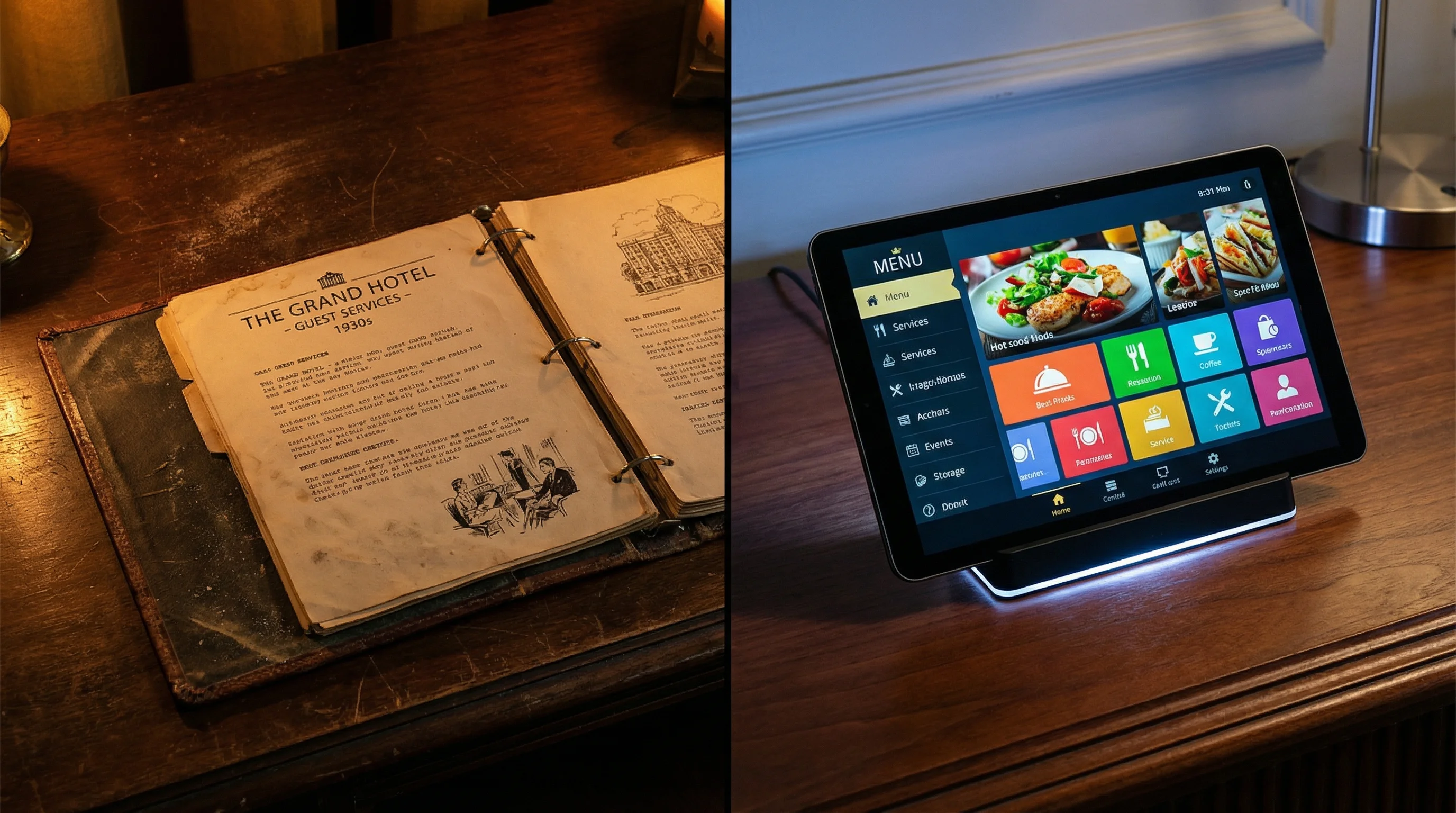
Why paper directories no longer work
This isn’t about technology for technology’s sake. Paper directories create real operational headaches that every hotel manager knows all too well.
The hidden cost of updates
You raise your room service menu prices. Or change pool hours for summer. With a paper directory, you have two choices: print new inserts and slip them into every binder (multiply by room count), or wait for the next full reprint and live with outdated information for months.
An 80-room hotel reprinting directories once a year spends between $2,000 and $4,500 on printing alone, not counting distribution time. And despite that investment, the information is often already stale.
Hygiene concerns have intensified
The pandemic changed expectations permanently. Guests notice what they touch in a hotel room. A binder handled by dozens of previous guests? Many prefer not to touch it at all. A 2022 American Hotel & Lodging Association study found that 67% of travelers preferred accessing hotel information from their own device.
The language barrier
Your hotel welcomes guests from fifteen different countries. Your paper directory exists in English, maybe French and German. What about the Japanese guest, the Brazilian, the Emirati? They’re left deciphering a document they can’t understand, or calling the front desk for basic questions.
A digital guest directory natively handles six, eight, sometimes twelve languages. Guests select theirs, everything displays in their language. This accessibility reduces friction and takes pressure off your team.
No actionable data
How many guests look at your paper directory? Which pages interest them? Which services do they discover through it? You have no idea. It’s a black box.
Digital changes everything. Every view, every tap, every order generates data. You might discover that 40% of guests check the spa page but only 5% book—a sign of a pricing or presentation issue. These insights drive decisions.
Measurable benefits for your hotel
Let’s talk numbers. A well-implemented digital guest directory impacts several key metrics.
Fewer calls to the front desk
This is often the first benefit noticed. Guests call less for questions answered in the directory: hours, WiFi password, restaurant number.
Hoteliers report a 25 to 40% reduction in incoming front desk calls after deployment. For a front desk team handling 80 to 100 calls daily, that’s 20 to 40 fewer interruptions. Time freed up for higher-value guest interactions.

Increased ancillary revenue
A digital guest directory doesn’t just inform. It sells. Room service, spa, parking, late checkout—all those add-on services guests don’t order because they don’t know they exist or the process seems complicated.
With an intuitive interface where ordering takes thirty seconds, orders increase. A Paris boutique hotel saw room service orders jump 35% within three months of implementation. A Provence resort doubled spa bookings during the same period.
The mechanism is simple: you reduce friction between desire and purchase.

Improved satisfaction scores
Guests who easily find the information they’re looking for are less frustrated guests. Those who can order an extra pillow without picking up the phone appreciate that autonomy.
The impact on online reviews is measurable. Smooth access to services, clear communication, perceived responsiveness—these elements directly influence final ratings. Several industry studies correlate guest experience digitalization with a 0.2 to 0.4 point improvement in average TripAdvisor scores.
Supporting AAA Diamond and Forbes ratings
In the US, both AAA and Forbes Travel Guide increasingly consider digital guest experience in their evaluations. Offering a smartphone-accessible guest directory can support achieving or maintaining your rating, particularly for 4 and 5-star categories where digital guest experience is becoming expected.
We’ve detailed these criteria in our article on digital requirements for luxury hotel ratings.
What to include in your digital guest directory
The temptation is to include everything. Resist. An overloaded directory becomes unusable. The goal: provide quick access to essential information and revenue-generating services.
The essentials
WiFi information — SSID and password, obviously. Plus a quick-connect button if your solution supports it. It’s the first thing guests look for when entering their room.
Service hours — Breakfast, restaurant, bar, pool, spa, fitness center. With easy updates for exceptions (closures, private events).
Key contacts — Front desk, room service, concierge. With direct call buttons or integrated chat depending on your team’s capabilities.
In-room information — How to work the AC, TV, safe. The recurring questions your housekeeping staff knows by heart.
Revenue-driving services
Room service with integrated ordering — Browsable menu, food photos, shopping cart, payment or charge-to-room. This is your most direct revenue lever.
Spa and wellness — Treatment descriptions, availability, booking. Quality photos make the difference here.
Activities and experiences — What the hotel or partners offer. Tours, classes, tastings. Every option is a revenue opportunity.
On-demand services — Late checkout, early check-in, airport transfer, laundry. With clear pricing and instant booking.
Local content
Concierge recommendations — Restaurants, attractions, shopping. Your local expertise showcased and accessible. Some properties create real gems with themed itineraries: “48 Hours in Chicago by Our Concierge,” “Hidden Gems of the Neighborhood.”
Practical information — Transportation to/from the airport, 24-hour pharmacies, emergency numbers. The self-sufficient guest will thank you.
What to leave out
Overly institutional content bores people. Three pages of hotel history, the chef’s biography, the property’s philosophy—save that for your website. The guest directory is utilitarian. Guests want answers, not a corporate brochure.
We’ve compiled the 10 essential elements of a guest directory in a dedicated article if you want to go deeper.
How guests access it
The best interface in the world is useless if no one finds it. Directory accessibility determines adoption.
QR codes: the current standard
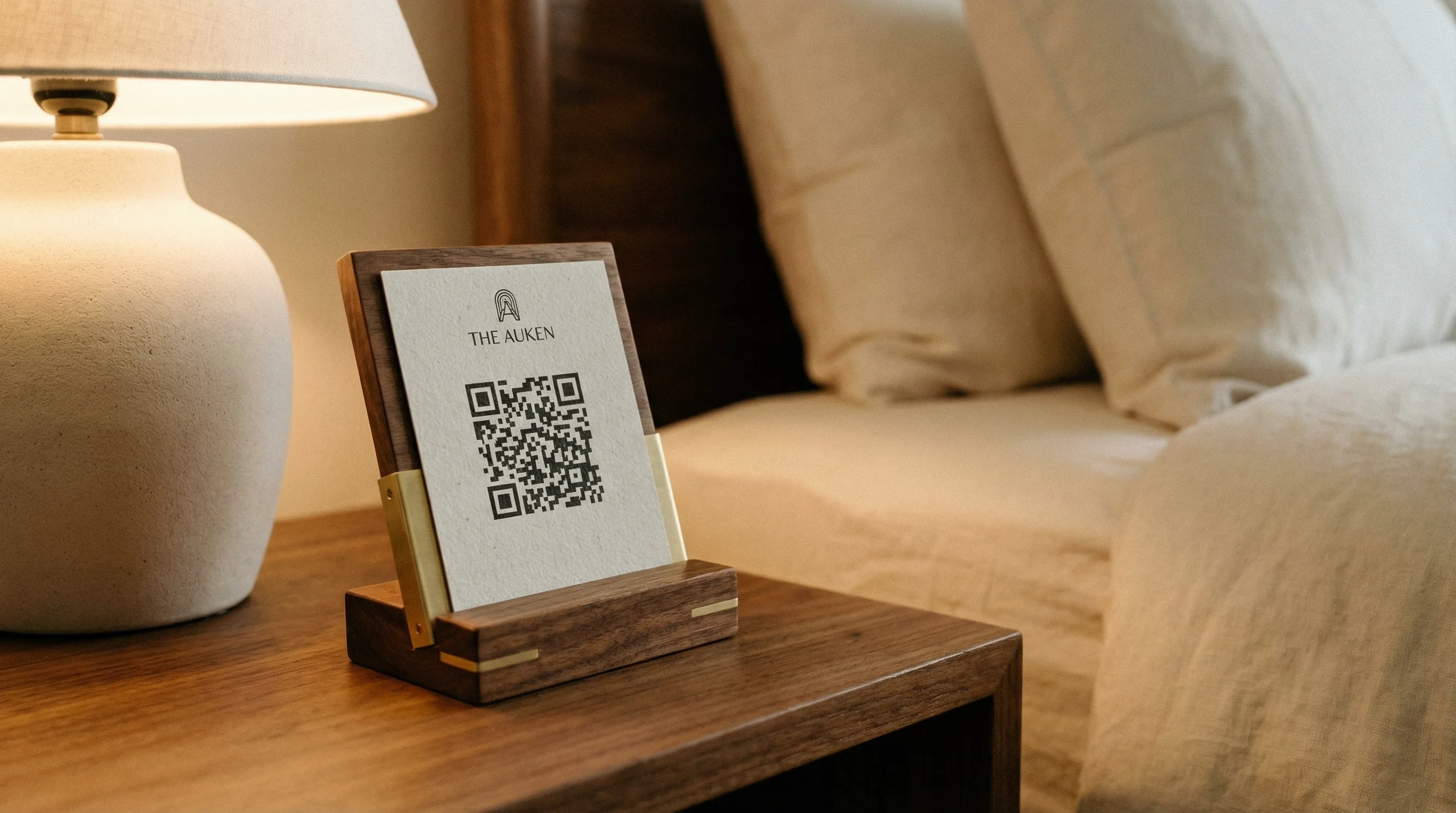
A strategically placed QR code in the room remains the most effective method. No app to download, no search required. Guest scans, guest accesses.
Where to place the QR code?
Placement matters as much as design. Here’s what works:
- On the nightstand (first instinct for a guest looking for WiFi)
- In the key card holder or welcome tent card
- On the bathroom mirror (repositionable sticker)
- On the inside of the room door
- On the TV remote (adhesive label)
Some hotels multiply touchpoints: a QR code in every room of the suite. Others invest in a beautiful object—an engraved wooden cube, an acrylic stand—that becomes part of the décor.
Short URL as backup
Not every guest instinctively scans QR codes. A short, memorable URL offers an alternative: yourhotel.com/welcome or stay.yourhotel.com. Mention it on the tent card; staff can share it verbally.
WiFi integration
Elegant solution: the guest connects to hotel WiFi and automatically lands on a welcome page that provides access to the directory. Requires some technical setup (captive portal) but adoption becomes nearly automatic.
In-room tablets: pros and cons
Some properties opt for a tablet mounted in the room. Advantages: guaranteed presence, dedicated screen, no dependence on guest’s smartphone. Limitations: equipment cost ($150-400 per room), maintenance, theft or damage risk, and importantly—many guests prefer using their own device.
Tablets remain relevant for ultra-premium properties or specific features (room automation, for example). For most 4-star hotels, the QR code + guest smartphone model offers the best cost-to-value ratio.
Choosing the right solution: key criteria
The market offers several players. Not all are equal, and more importantly, not all fit the same needs.
Visual customization
Your guest directory should look like your hotel, not a generic template. Colors, fonts, logo, photography style—everything should reflect your identity.
Some solutions offer limited customization: choice of three themes, logo and primary color changes. Others provide total control: every button, card, and transition can be adjusted.
For an independent hotel that’s invested in its branding, the second option makes sense. You didn’t choose your lobby furniture at random—why accept a standardized interface?
Native multilingual support
Six languages minimum for an internationally-focused hotel. Check how the solution handles translation: automatic (often rough), manual (more work but better results), or hybrid.
The crucial point: language selection must be obvious to guests. Not buried in a three-level menu.
Integration with existing tools
Your PMS (Opera, Mews, Cloudbeds, or other) contains valuable data: guest name, stay dates, room type, preferences. Integration enables personalization: “Welcome, Mr. Smith” rather than generic “Welcome.”
Check available connectors. A solution that doesn’t integrate with your ecosystem creates silos and manual work.
Ease of updates
Who will manage content daily? Your front desk team, marketing manager, yourself? The admin interface must be accessible to non-technical users.
Test before committing: can you change an hour in under two minutes? Add a dish to the room service menu without training?
Pricing model
Three models coexist:
Fixed monthly subscription — Budget predictability, generally $100-400/month depending on features and room count.
Transaction commission — The solution takes a percentage of each room service order or spa booking. Attractive if volume is low, risky if high.
License purchase — One-time payment, self-hosted. Less common, requires internal technical resources.
For an objective comparison of market options, see our 2025 guest directory software comparison.
Implementation: concrete steps
Moving from project to reality requires method. Here’s a sequence that works, tested with properties from 40 to 200 rooms.

Weeks 1-2: Audit and preparation
Inventory your existing content. Review your current paper directory, list every piece of information. Identify what’s still relevant, what’s missing, what should go.
Gather your visual assets. Photos of rooms, restaurant, spa, signature dishes. Professional quality is essential—poor visuals kill the desire to order.
Define your target languages. Analyze your guest nationality breakdown over the past twelve months. Prioritize languages covering 90% of your guests.
Weeks 3-4: Setup
Structure your navigation. How does the guest navigate? What are the main sections, submenus? Think user journey, not internal org chart.
Configure branding. Exact colors (hex codes), fonts, button styles. Reference your brand guidelines.
Integrate content. Copy, visuals, hours, prices. Have multiple people proofread—typos in a digital directory are just as embarrassing as on paper.
Week 5: Internal testing
Test on multiple devices. Latest iPhone, budget Android, tablet. Display must look perfect everywhere.
Simulate orders. Place real room service orders, booking requests. Verify everything reaches the right place.
Involve your teams. Front desk, room service, spa—everyone needs to understand how requests arrive and how to respond.
Week 6: Launch
Install physical materials. QR codes in rooms, signage, updated welcome tent cards.
Brief all staff. Every team member should be able to explain the guest directory in thirty seconds.
Communicate to guests. Pre-arrival email, mention at check-in, note in room.
Post-launch: Continuous optimization
Analyze data weekly. Most-viewed pages, order rates, peak times. Adjust accordingly.
Collect feedback. Ask guests what they think. Front desk staff often capture valuable insights.
Update regularly. A living directory with seasonal updates stays engaging.
Frequently asked questions
How much does implementing a digital guest directory cost?
Budget varies by solution and customization level. Expect $1,500-5,000 for initial setup, then $100-400 monthly subscription. ROI is calculated on additional revenue generated and staff time saved.
Will my older guests adapt?
Adoption depends less on age than on interface simplicity. A well-placed QR code, intuitive navigation, and the vast majority of guests figure it out. For the rare holdouts, your staff remains available.
Can I keep a paper directory alongside?
Nothing prevents it. Some properties maintain a slimmed-down paper version during transition. Eventually, most drop paper entirely once digital adoption is confirmed.
Does the guest directory replace the concierge?
No. It enhances the concierge. Basic requests are handled self-service, freeing your concierge for complex requests where their expertise truly shines: organizing a surprise anniversary, securing a reservation at a fully-booked restaurant, personalized recommendations. We expand on this in our guide to digital concierge services.
Take action
A digital guest directory is no longer optional for hotels aiming for excellence. It’s become a standard expected by a connected, demanding clientele accustomed to immediacy.
Six weeks is enough to transform your guest experience, reduce your team’s workload, and create new revenue streams.
Want to see what it would look like for your property? A personalized demo will show you how to adapt the guest directory to your hotel’s unique identity.
Related articles
 Hotel Technology
 What Is a Digital Guest Directory? Definition and Benefits
Digital guest directory explained: what it is, how it works, and why hotels are replacing paper compendiums. A clear guide for hoteliers.